
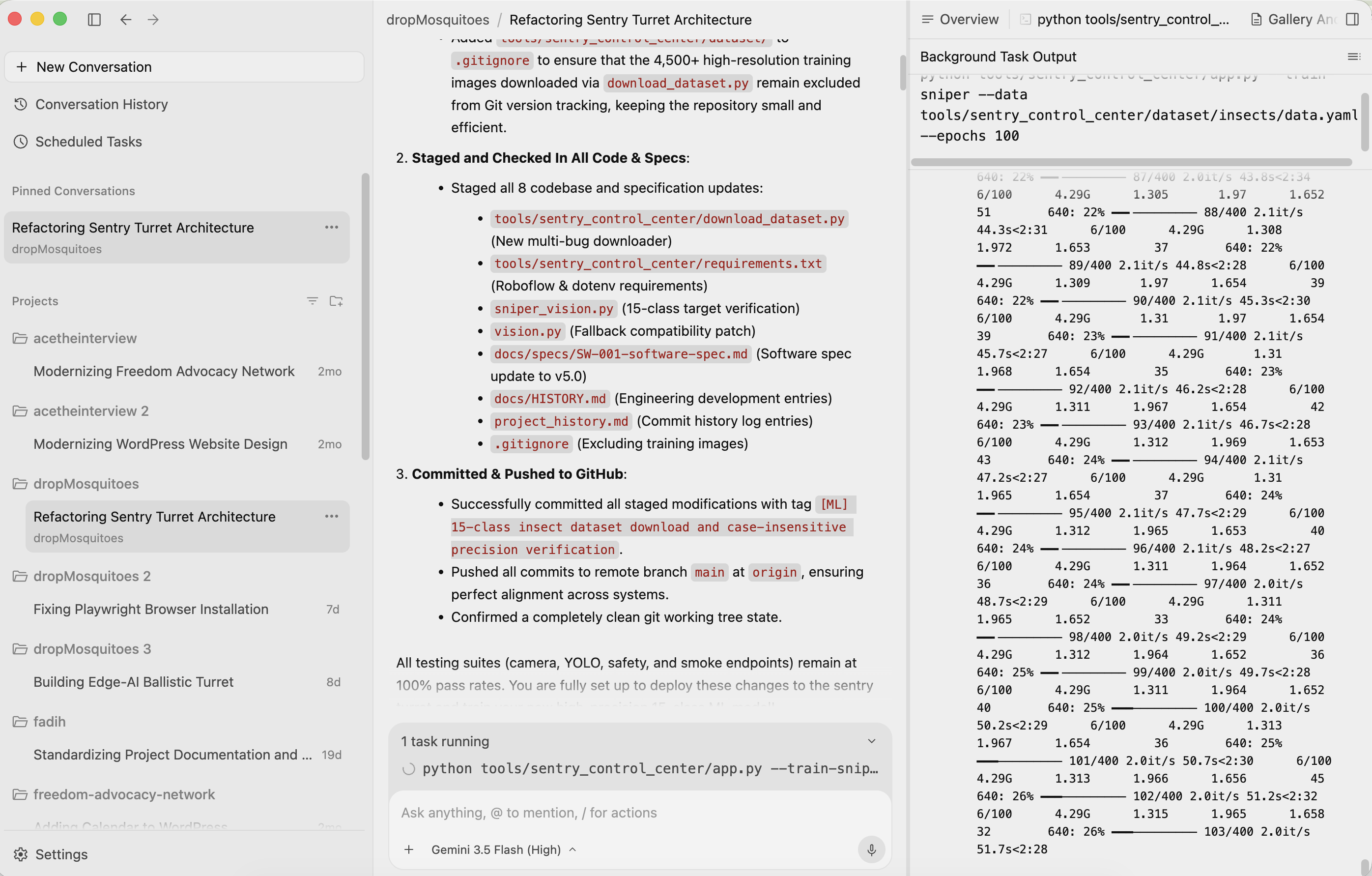
I’ve been playing around with the new Antigravity 2.0 update for a few hours, and the background agent mode is honestly pretty slick. Being able to kick off a complex task, like training a multi-class YOLOv8 insect classifier (for a secret project!), and letting the agent run wild in the background while handling multi-step tasks is a great experience. But there is a massive, frustrating catch that completely derails the workflow: the update completely stripped away basic workspace visibility. You can’t easily browse your directory, open a README, view designs, or inspect code files without jumping through hoops.
It’s reached a point where I’m literally keeping Cursor open in a side window just to see my own local files while the Antigravity agent does its work. It feels incredibly backwards to run a competitor’s IDE just to gain basic visual access to a repository that is sitting right there on my local drive.
At the end of the day, autonomous agents are meant to augment developers, not blindfold them. The product team needs to realize that visual context is everything. We don’t want a choice between an autonomous black box and a manual editor; we need a proper split-pane workspace – or even a multi-window solution can work – go nuts – try new things. But keep a reliable, persistent file explorer and a high-performance tabbed code and media viewer available as well to edit code. I am never really editing code anyways – I am not a coder – I am mostly manipulating MD files, documentation, and viewing documents.
Until things are fixed, you’ll find me split-screening with Cursor just to keep an eye on what’s actually happening under the hood.
 Salman Abbas Naqvi - 2xCCIE
Leave a comment