
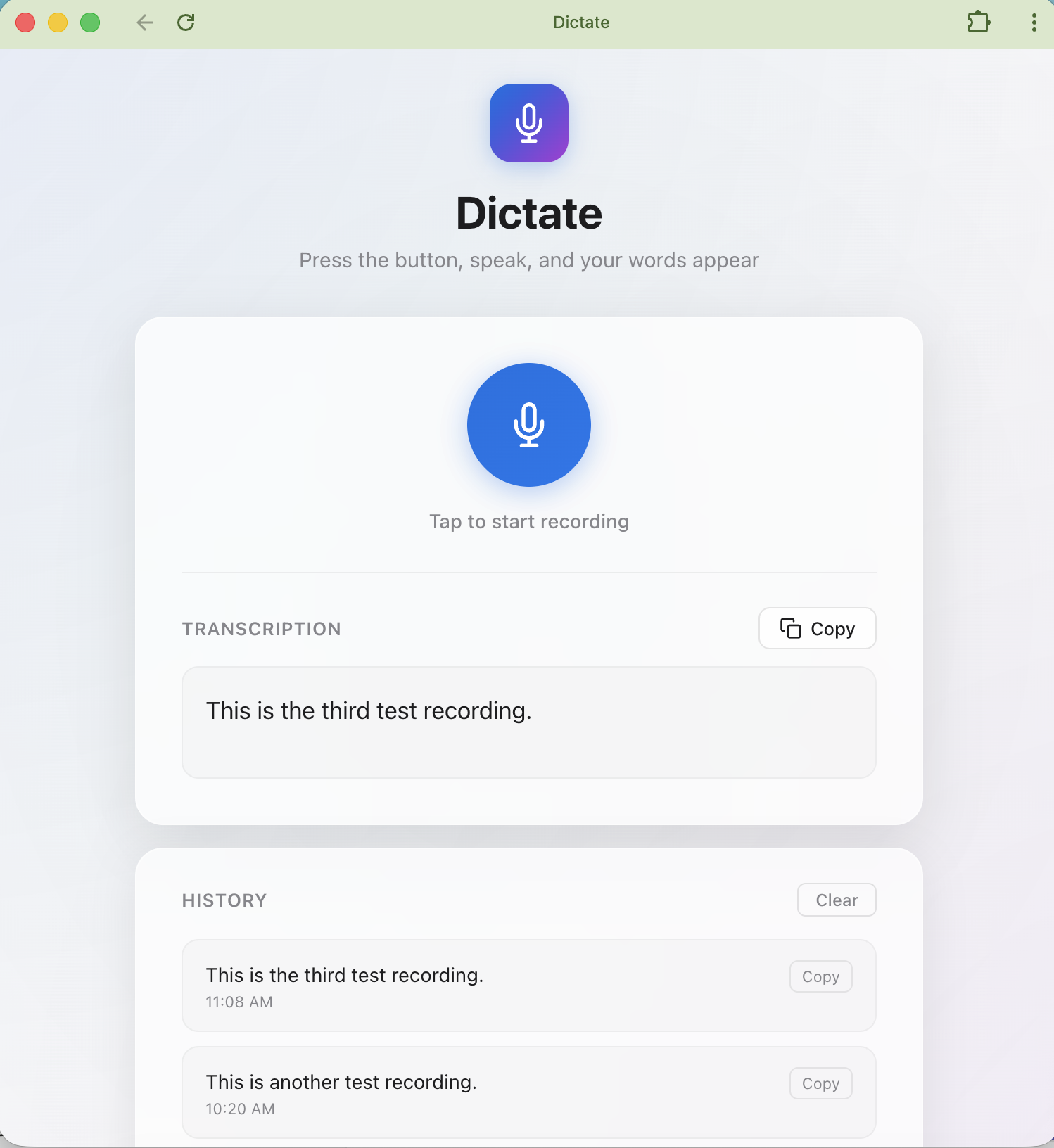
If your work laptop blocks every cloud dictation tool you’ve ever liked, you’ve probably resigned yourself to Apple’s built-in dictation and its habit of mangling anything longer than a sentence. That’s exactly the problem this project tackles. Dictate is a fully offline speech-to-text app for macOS (Windows too) that runs OpenAI’s Whisper locally via whisper.cpp, so nothing you say ever leaves your machine. No accounts, no cloud calls, no IT policy violations — just click the mic, talk, and get an accurate transcription you can copy anywhere. It even installs itself: the launcher script handles ffmpeg, whisper.cpp, the model download, and sets up a double-clickable app for your Dock on first run.
The part I find genuinely clever is the Refine feature. One click hands your raw transcription to a local LLM running through Ollama, which can clean up grammar, turn rambling voice notes into tidy bullet points, summarize them, or rewrite the whole thing as a polished formal message. Since both the transcription and the AI run on your own hardware, the entire workflow — from speaking to a send-ready email — stays offline. There’s an Original/Refined toggle so you can compare versions, and both are saved to history. The default setup uses llama3.1:8b, which the launcher pulls down automatically the first time you run it, though you can swap in any model you prefer with an environment variable.
Setup is refreshingly low-friction for something this capable. You clone the repo, run one script, and it checks and installs everything — Python, ffmpeg, whisper.cpp, the speech model, Ollama if you want Refine — while printing progress so you’re not staring at a silent terminal. It opens as a clean standalone app window using whatever Chromium browser you have, and if you move the repo later, the shortcut self-updates on the next launch. First run takes a bit longer because of the model downloads (the speech model is around 150 MB, the LLM a few gigabytes), but after that it starts instantly. If you’ve been stuck without a good dictation option on a locked-down machine, this is worth a look.
Want me to save this as a file (Markdown or Word) so you can publish it somewhere?


Leave a Reply