I got something super exciting to share!
I worked with a super smart developer, Roman S, to make a tool to convert Excel files detailing connectivity information into diagrams! Yes, that’s right – convert your Excel files into network diagrams! Roman did all the intelligent work – I just provided the ideas, made minor modifications, and added a handful of minor features to the brilliant Python script he created.
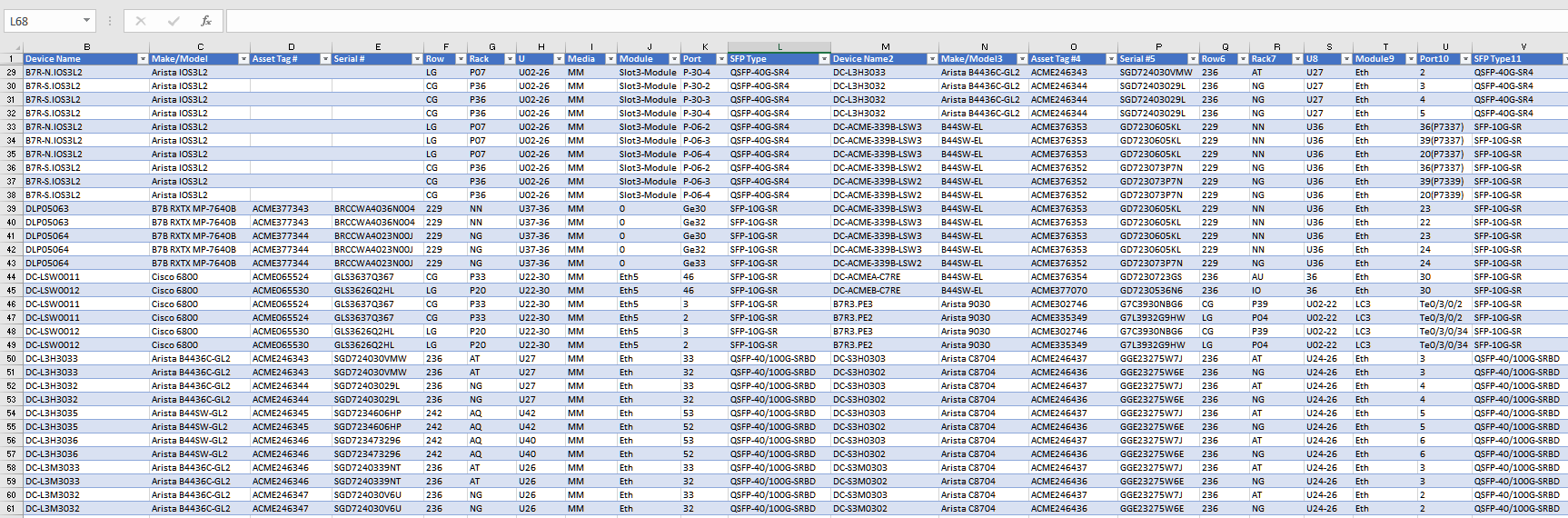
It converts input like the above Excel connectivity information into a nice diagram in SVG format, like the one below. You can convert the above Excel file using just one command from the Excel-to-Network-Diagram-Converter (E2NDConverter.py) script in less than a minute! SVG format can be natively imported into Visio for further manipulation.
I will follow up with a video – as there are many more features in this tool that are SUPER useful. Enjoy!